
Steps to Create a Lambda Function URL
🌐 中文版:繁體中文
What is a Lambda URL?
Official definition: A function URL is a dedicated HTTP(S) endpoint for a Lambda function. You can create and configure a function URL through the Lambda console or the Lambda API. When you create a function URL, Lambda automatically generates a unique URL endpoint for you. Once created, the URL endpoint never changes.
The function URL endpoint format is:
1 | https://<url-id>.lambda-url.<region>.on.aws |
Note that some regions don’t support function URLs, in which case you may need the old approach: API Gateway + Lambda Integration.
Access control
When creating a function URL, the AuthType parameter determines how Lambda authenticates or authorizes requests to the function URL.
AuthType options:
AWS_IAM: If you want authenticated users or roles to call your function through the function URL, chooseAWS_IAM.NONE: Lambda doesn’t perform any authentication before invoking the function, but the Lambda function’s resource policy is always in effect, so you must still grant access for the function URL to receive requests.
For details, see here.
How to create a Lambda URL?
Create an execution role
- Create a role with the
AWSLambdaBasicExecutionRolepermissions.
1 | { |
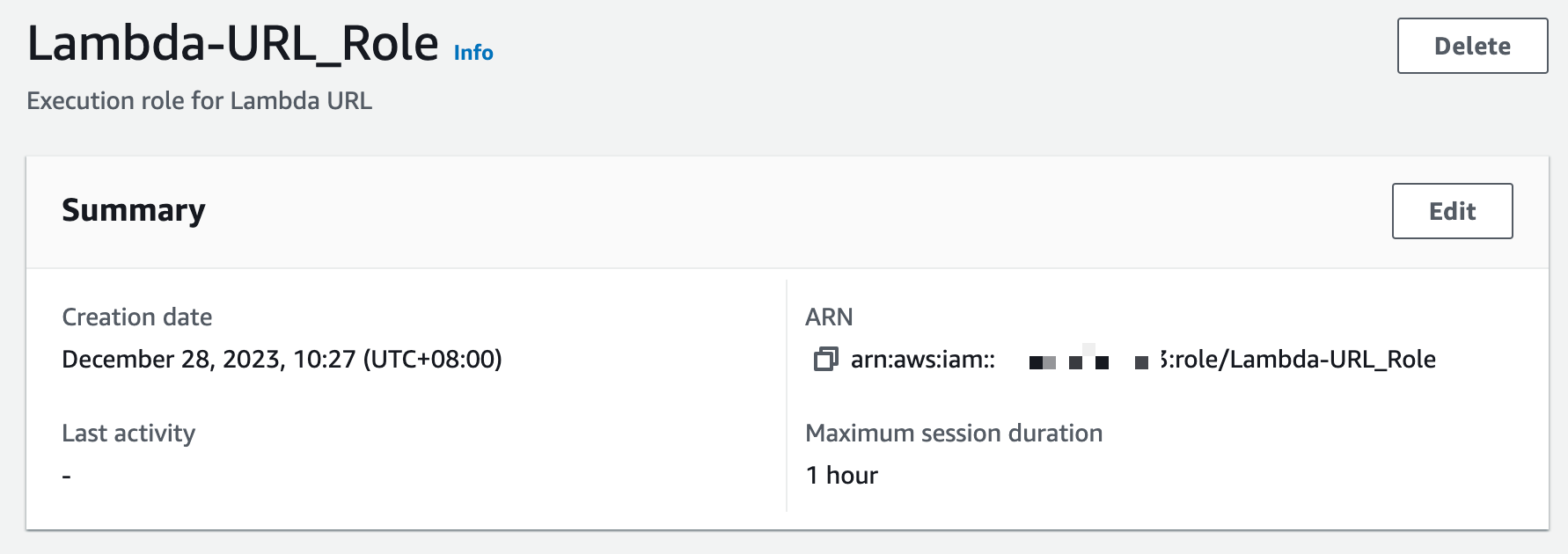
- Note the role ARN:
1
Role ARN: arn:aws:iam::1XXXXXXXXXXX:role/Lambda-URL_Role
Create a Lambda function with a function URL (.zip archive)
- Write Function Code
1 | exports.handler = async (event) => { |
- Create deployment packages
1 | zip function.zip index.js |
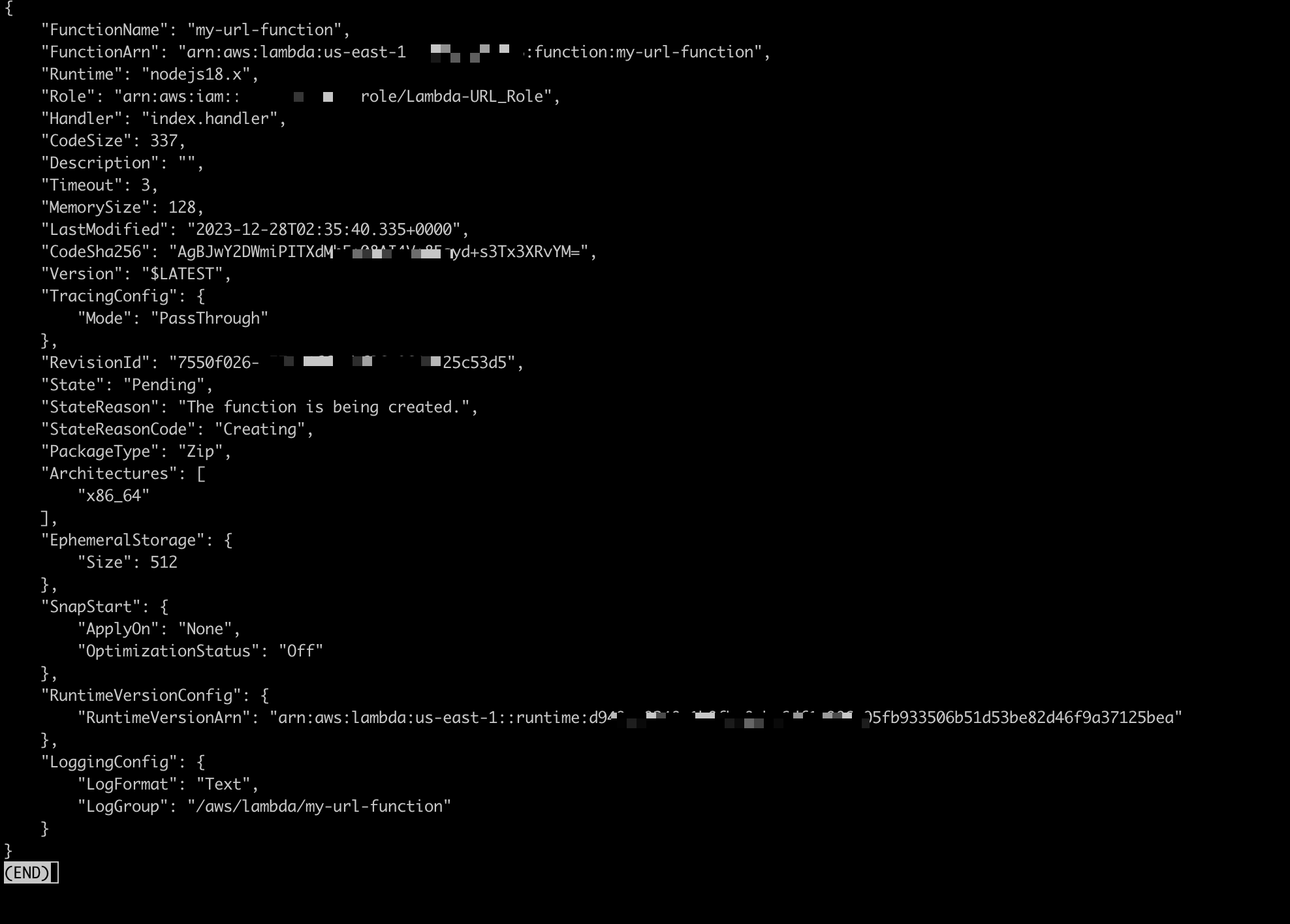
- Create a Lambda function with the
create-functioncommand.
1 | aws lambda create-function \ |
- Add a resource policy to the function granting permission, to allow public access to the function URL.
1 | aws lambda add-permission \ |
I chose NONE for convenient testing, but it’s better to provide AWS_IAM authentication.
Return policy

- Create a URL endpoint for the function with the
create-function-url-configcommand.
1 | aws lambda create-function-url-config \ |
Return Endpoint

Endpoint: https://xxxxxxxxxxuxxxxxxxxxxxxxxxxxxxxxx.lambda-url.us-east-1.on.aws/
Testing the endpoint
1 | curl 'https://abcdefg.lambda-url.us-east-1.on.aws/' \ |

CloudFormation for creating a function URL
Below is the CFN YAML for creating a function URL, which makes it easy to create the corresponding resources:
1 | Resources: |
Create a Lambda function with a function URL (AWS SAM)
And this is the YAML to create the resources via SAM:
1 | ProductFunction: |
Reference
[1] https://docs.aws.amazon.com/zh_tw/lambda/latest/dg/lambda-urls.html
[2] https://docs.aws.amazon.com/zh_tw/lambda/latest/dg/urls-tutorial.html





If you find my articles helpful, please support Kevin!
 Use boba to safe Kevin!
